The video quality blog
Tested advice on why video goes blocky, what bitrate you really need, and how to get a cleaner picture from what you have.
 Playback
1080p Video Looks Bad on a 4K Monitor? Why and Fixes
Why 1080p video looks soft or blocky on a 4K display, what the player and monitor do to it, and how to improve it without a new file.
 Guides
720p vs 1080p: Does the Difference Matter?
A measured comparison of 720p and 1080p at the same bitrates, plus when the extra pixels pay off and when a lower resolution looks better.
 Editing
After Effects Export Pixelated or Blocky? Fixes
Why After Effects renders look blocky or soft and how to fix them: render settings, bit depth, banding, chroma and an export route that holds up.
 Upscaling
AI Video Upscaler vs Plain Lanczos: When It Pays
A practical comparison of AI upscaling and a traditional Lanczos filter chain: speed, cost, artifacts, and which clips justify the extra effort.
 Export settings
Best Export Settings for YouTube Without Blockiness
Export settings that survive YouTube's re-encode: resolution, bitrate, codec, frame rate and the mistakes that cause blocky uploads.
 How to
Compress Video for Email Without Losing Quality
Fit a video under email attachment limits without it turning blocky. Real size math for Gmail and Outlook, plus tested settings.
 Compression
CRF Explained: Compress Video Without Losing Quality
What CRF means in x264 and x265, which value to pick, and measured file size and quality for CRF 18 to 33 on a real 1080p clip.
 Real world footage
How to Enhance Dashcam Footage (What Is Realistic)
What you can and cannot recover from dashcam video: denoising, brightening night footage, cropping in, and why plates stay unreadable.
 Software
DaVinci Resolve Pixelated? Proxies and Viewer Fixes
Resolve footage pixelated in the viewer or the export? Check proxy mode, playback resolution, render settings and codec problems in order.
 Platforms
Discord Video Pixelated? Fit the Size Limit Cleanly
Discord videos look blocky when you squeeze them under the upload limit badly. Do the bitrate math and compress cleanly with real test numbers.
 Repair
Fix a Corrupted Video File: What Actually Worked
I broke an MP4 three ways and tried to repair each. Here is what FFmpeg recovered, what it could not, and how to avoid losing footage.
 How to
Fix Grainy Low-Light Video in CapCut, Premiere, DaVinci
Grainy night footage is noise, not pixelation. How to denoise in CapCut, Premiere Pro, DaVinci Resolve and FFmpeg, with measured results.
 Compression
H.264 vs H.265: I Measured the Quality Difference
x264 and x265 at CRF 20, 24 and 28 on the same 1080p clip: file size, PSNR, SSIM and encode time, plus when HEVC is actually worth using.
 Software
HandBrake Output Pixelated? Settings That Fix It
HandBrake video looks blocky or blurry after conversion? Check quality mode, preset, filters and framerate settings with real CRF numbers.
 Upscaling
How to Make a Low Quality Video HD (What Works)
Honest advice on turning a small, blurry video into HD: what upscaling can and cannot do, plus measured results for each scaling filter.
 Platforms
Why Instagram Stories and Reels Look Blurry (Fixes)
Instagram compresses every upload. These export settings, the media quality toggle and a few filming habits keep Stories and Reels sharper.
 How to
How to Make Video Quality Better in CapCut
CapCut export looks soft or blocky? Practical settings for resolution, frame rate, bitrate and effects, plus the habits that protect quality.
 Phones
Make iPhone Video Quality Better: Settings and Sharing
Better iPhone video comes from the right camera settings, light, stable hands and a sharing method that does not recompress. Here is what to change.
 Playback
Netflix Looks Pixelated or Blurry? How to Fix It
Streaming video looks blocky when bandwidth, Wi-Fi, playback settings or your TV are the problem. A step by step check with real bitrate numbers.
 Software
OBS Recording Pixelated When Moving? Fix It
OBS recordings turn blocky during fast motion when bitrate, encoder or rate control is wrong. Settings that work, with real numbers.
 Restoration
Restore Old Home Videos and VHS Digitized Footage
A practical workflow for digitizing and cleaning old tapes: capture, deinterlace, denoise, upscale and save, with FFmpeg commands you can copy.
 Software
Why Screen Recordings Look Blurry (and How to Fix)
Blurry screen recordings come from scaling, chroma subsampling and low bitrate. A tested fix for sharp text in tutorials and demos.
 Platforms
TikTok Video Quality Bad After Upload? What to Do
Why TikTok makes videos blurry or blocky, the Upload HD setting, the export settings creators use and how to avoid double compression.
 Upscaling
Upscaling Video to 4K: An Honest Guide
Does upscaling 1080p or 720p to 4K help? What it does, when it is worth it, and the settings I would use. No miracle promises.
 Noise and grain
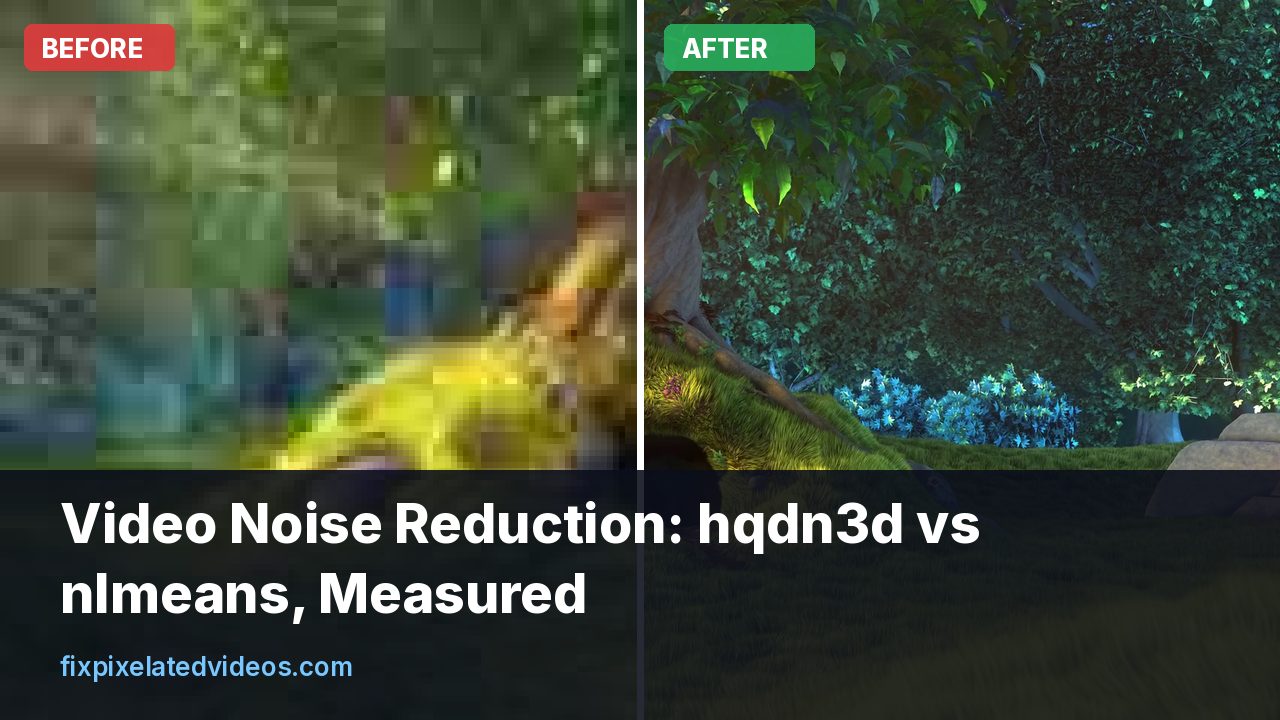
Video Noise Reduction: hqdn3d vs nlmeans, Measured
I added noise to a clean clip and denoised it with hqdn3d and nlmeans. Quality scores, file sizes and a 30x speed gap, with settings to copy.
 Playback
VLC Video Pixelated When Skipping or Seeking
Why video turns blocky or gray right after you skip forward, how keyframes decide it, and the VLC settings and file fixes that help.
 Settings
What Bitrate Do You Need for 1080p Video?
I encoded the same 1080p clip at six bitrates and measured the damage. Here is what each one costs you, and the number I would actually use.
 Troubleshooting
Why Is My Video Pixelated After Exporting?
The editor preview looked fine, the export did not. Here are the real causes, in the order I check them, and how to fix each one.
 Compression
Why Snow, Confetti and Grass Ruin Video Quality
Random detail is the hardest thing for a video encoder. A measured demo of how noise multiplies bitrate, and what to do about busy scenes.
 Platforms
YouTube Video Pixelated After Upload? Real Fixes
Why YouTube makes uploads look blocky, how to tell processing delays from real damage, and the upload settings that survive its re-encode.